 IT
IT EN
EN DE
DE FR
FR ES
ES IN
IN
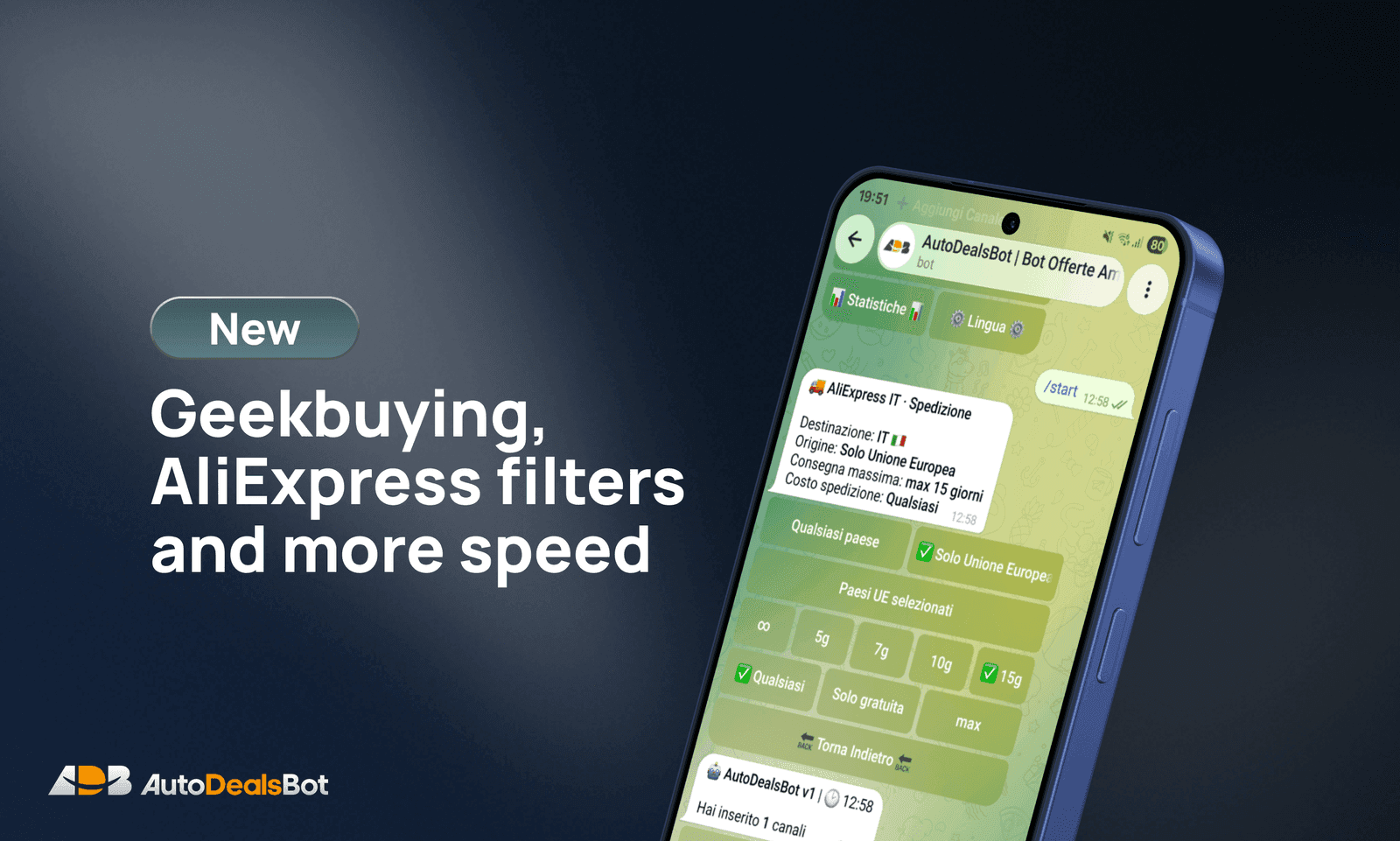
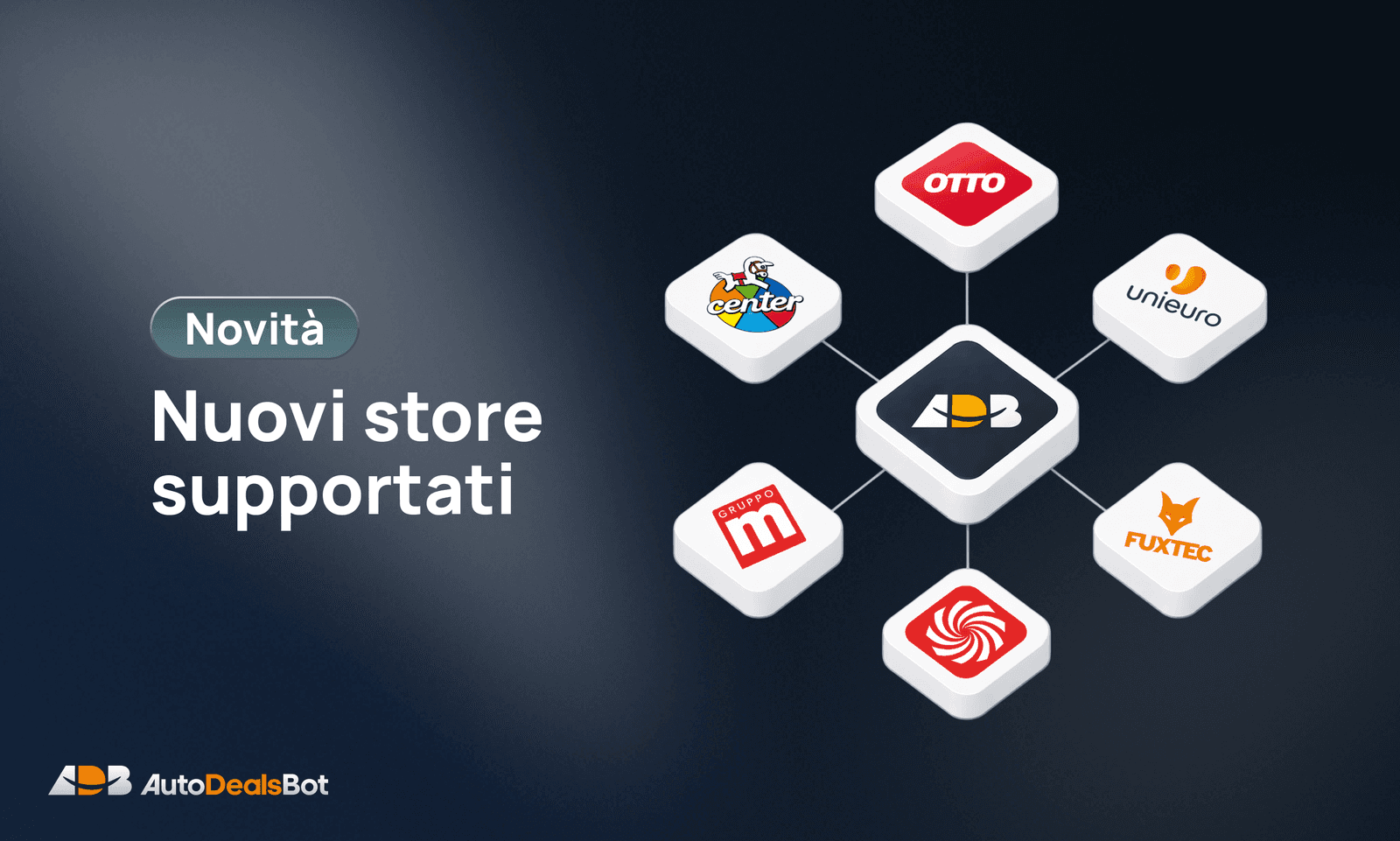
Geekbuying is now one of the supported stores, both in manual posts and in Autoposting 2.0.
Alongside it come new filters for AliExpress deals, sharing to WhatsApp and Telegram, and much faster manual posts.
Geekbuying in manual posts
You can now create a post starting from a regular Geekbuying product link: send it to the Bot using the same flow you already use for the other stores.
AutoDealsBot automatically retrieves:
- product name, description and brand
- current price, original price and discount
- availability
- image and category
Geekbuying behaves like the other stores: the product goes straight into your text formats, categories, affiliations and normal publishing flow.
For now, Geekbuying support is set up for Italy.
Geekbuying in Autoposting 2.0
Autoposting is now available for Geekbuying too. You'll find it here:
Autoposting 2.0 → 🏪 External stores → Geekbuying IT
From there you manage the settings you already know: enable/disable, daily limit, blocking consecutive posts from the same store, categories, priority and the general filters on price, discount and content.
Geekbuying is available only in Autoposting V2. The old Autoposting version will not receive new features.
How to monetise Geekbuying links
AutoDealsBot supports two Geekbuying affiliation modes, kept clearly separate. When it publishes a product it picks in this order:
Affiliate link priority
- 1Awin, if an active campaign is configured that genuinely matches geekbuying.com
- 2Geekbuying Affiliate ID, the direct affiliate programme, if you've configured it
- 3The plain product link, if neither affiliation is available
The Geekbuying Affiliate ID is set in your channel's affiliation settings, including from the Mini-App.
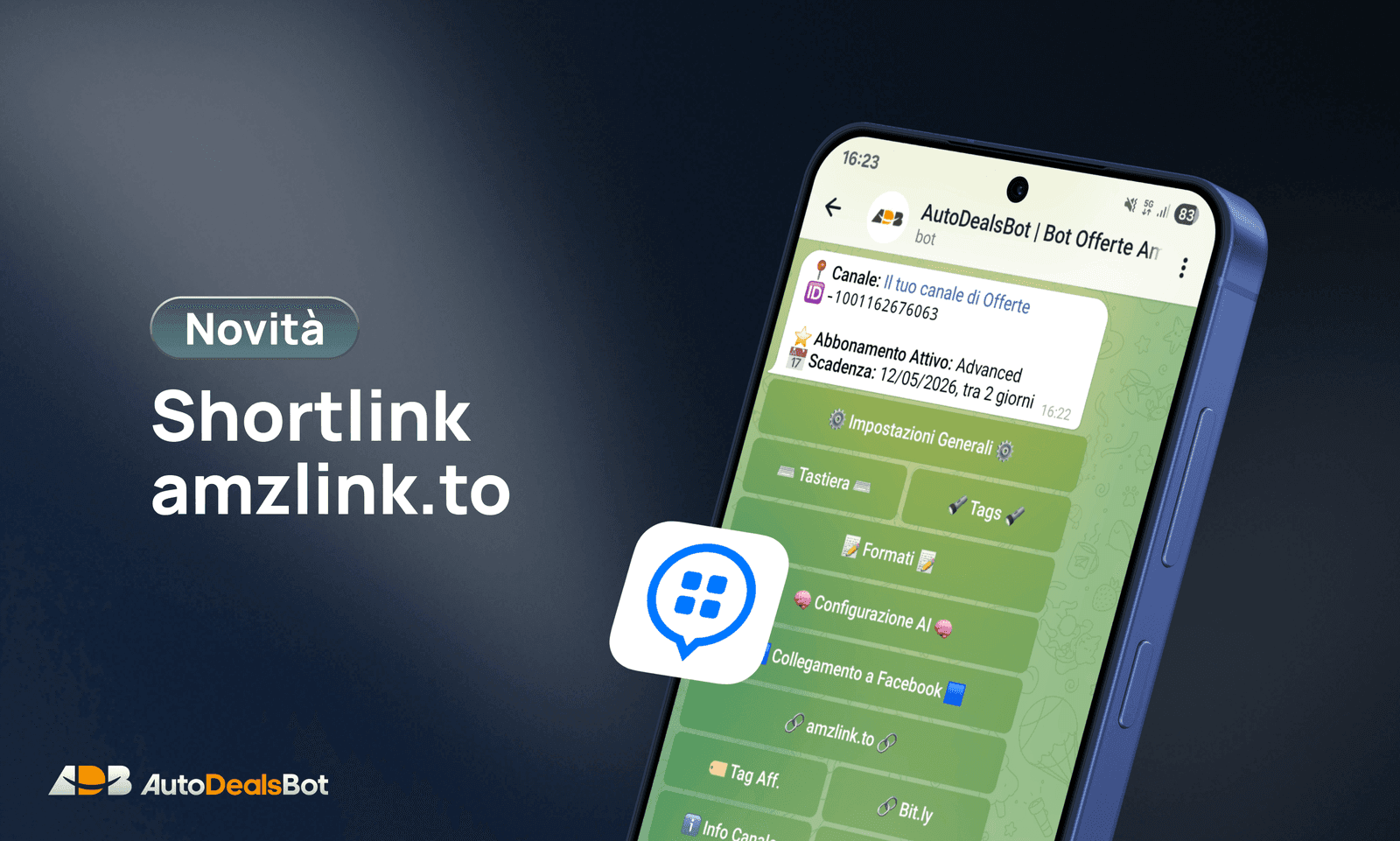
Once the affiliate link is generated, the Bot can shorten it with the shortlink provider configured on the channel, such as Bitly or LinkTw.in. PostTap/amzlink.to remains reserved for Amazon links.
New AliExpress shipping filters
In Autoposting V2 you can now decide which AliExpress deals to publish based on shipping too:
- any origin warehouse, EU warehouses only, or only specific European countries
- a maximum number of delivery days
- any shipping cost, free shipping only, or a maximum cost
The settings are per country: AliExpress Italy can follow different rules than AliExpress Germany or France.
The reason is practical. A product could look great on price and discount, yet be a poor fit for the channel because it ships from too far away, takes forever to arrive, costs a lot to ship, or can't actually be shipped to the channel's country.
With the filters off, the behaviour is exactly what it was before.
New AliExpress quality filters
Beyond shipping, there are filters dedicated to product quality: minimum price, minimum number of sales, minimum percentage of positive ratings, product type, accessory detection, brand, and popularity of unbranded products.
You can start from a ready-made profile:
- Off — identical to the previous behaviour
- Recommended — a balance between quantity and quality: at least €15, at least 50 sales, at least 92% positive ratings, cheap accessories excluded, preference for recognised brands or unbranded products that are very popular and well rated
- Strict — a tighter selection: at least €20, at least 100 sales, at least 94% positive ratings, accessories excluded, recognised brands only
- Custom — you pick the thresholds and rules
The goal isn't to find more AliExpress deals, but to publish better ones: fewer generic products, fewer irrelevant accessories, fewer items with weak trust signals. The profiles are optional and change nothing until you turn them on.
Watch the setup
WhatsApp and Telegram sharing
You can now add a link or a button to your posts that lets your followers forward the deal to WhatsApp or Telegram with one tap.
Two new tags are available in your text formats:
{whatsappLink}for WhatsApp{telegramLink}for Telegram
In the post text you can turn them into links, with whatever wording and emoji you like:
💬 <a href="{whatsappLink}">Share on WhatsApp</a>
📨 <a href="{telegramLink}">Share on Telegram</a>
You can also add them to the keyboard under the post:
🚀 WhatsApp - whatsapplink
✈️ Telegram - telegramlink
Use WhatsApp only, Telegram only, or both on the same row.
It works with every store. The link that gets shared is already the short or affiliate one you normally use, so shares stay monetised too, and the message carries the store name. If a post has no link available, the button removes itself instead of sitting there useless.
Much faster product extraction
We rewrote the system that fetches product data from Unieuro and MediaWorld.
- Unieuro: from 19.2 to 1.65 seconds
- MediaWorld: from 7.4 to 2.44 seconds
Same data as before, a lot less waiting.
In short
- Geekbuying manual posts
- Autoposting 2.0 available for Geekbuying too
- Geekbuying affiliation via Awin or the direct programme
- AliExpress deals that fit your audience better, thanks to shipping and quality filters
- Links and buttons to share deals on WhatsApp and Telegram
- Much faster Unieuro and MediaWorld manual posts
Any doubts about the setup? Message me on Telegram: @AutoDealsAssistant