 IT
IT EN
EN DE
DE FR
FR ES
ES IN
IN
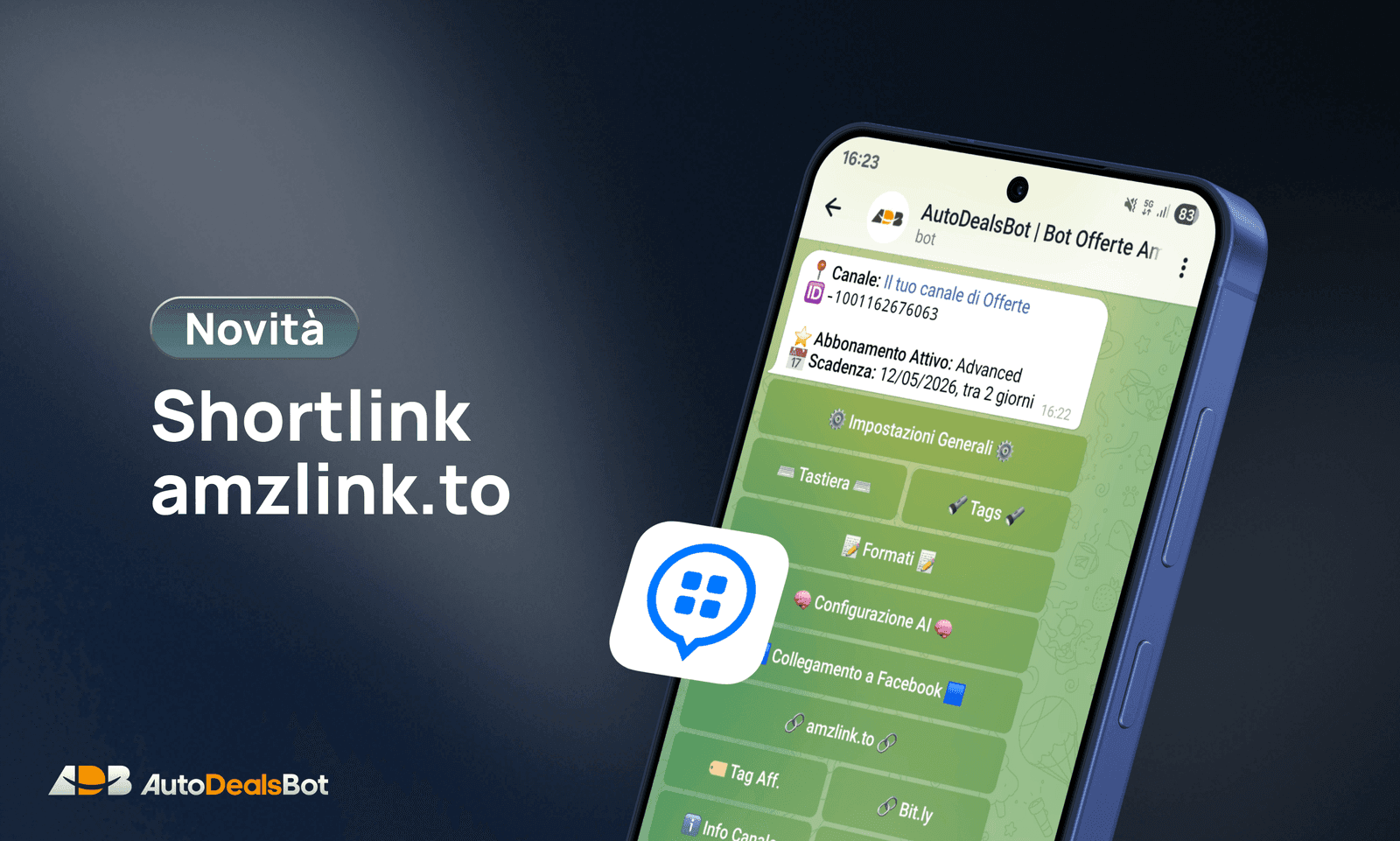
AutoDealsBot now supports amzlink.to shortlinks through PostTap. When it is on, every Amazon link the Bot publishes is automatically shortened into an amzlink.to link.
What changes (and what doesn't)
PostTap is optional. If you don't set it up, the Bot keeps working exactly as before: it publishes normal Amazon links with your affiliate tag. Nothing gets blocked and you don't lose any deals.
If you do set it up, the Bot turns the Amazon link into an amzlink.to link before publishing it. Your affiliate tag is always there: it is added before the link is sent to PostTap, so you never publish without affiliation.
How to set up PostTap — Tutorial
Here are the steps to get your PostTap cookies from the browser and add them to the Bot.
1. Log in to PostTap
Go to creators.posttap.com and log in with your account.
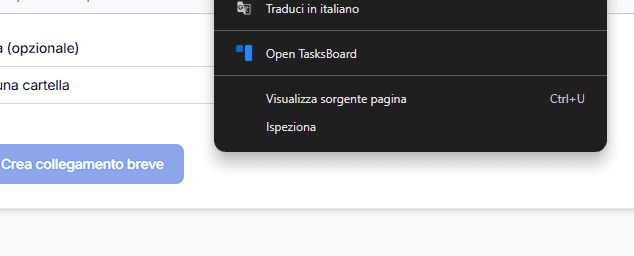
2. Open the developer tools
Once logged in, press F12 on your keyboard (or right-click the page → Inspect) to open the browser's developer tools.
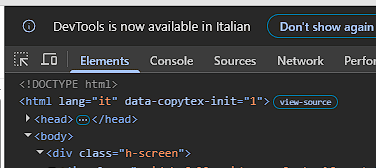
3. Go to the Console
In the top bar of the panel, click Console.
4. Copy the command and run it
Paste this command into the Console and press Enter:
copy(document.cookie)
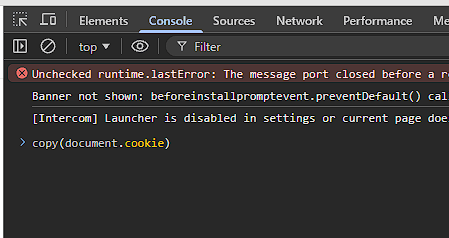
The cookie text is copied to your clipboard automatically.
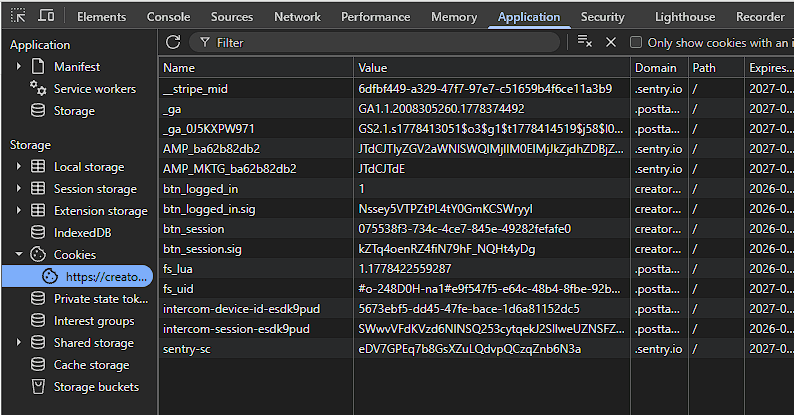
5. Get btn_session and btn_session.sig
Still in the developer tools, click the Application tab (at the top, next to Console).
In the left menu open Storage → Cookies and select the creators.posttap.com domain.
The table lists all the session cookies. Find and copy, one at a time, the values of:
btn_sessionbtn_session.sig
6. Set up the Bot
On Telegram, open AutoDealsBot and go to:
Settings → Shortlink → Configure amzlink.to → Configure cookies
The Bot will ask you to send, one after the other:
- The text copied from
document.cookie(from step 4) - The value of
btn_session - The value of
btn_session.sig
Send only the value, with no extra text.
If the cookies are valid, amzlink.to is turned on automatically.
Cookies expire: refresh them every month
To create amzlink.to links we use the cookies of your PostTap session. These cookies expire about once a month, so you will need to refresh them from Settings → Shortlink → Configure amzlink.to → Configure cookies.
If the cookies expire and you don't refresh them, the Bot simply goes back to publishing the normal Amazon link: no error visible to your channel's members and no interruption. You will get a private notification telling you about the problem.
How to turn it off or refresh the cookies
Go to Settings → Shortlink. From there you can:
- Turn amzlink.to on or off without removing the cookies: choose
amzlink.to for Amazonto use it, or another option (for exampleNo shortlink) to stop using it - Refresh the cookies when they expire, from
Configure amzlink.to, by repeating the tutorial above - Remove the cookies from
Configure amzlink.toif you want to reset everything
If you have any problems, write to us on Telegram: @AutoDealsAssistant