 IT
IT EN
EN DE
DE FR
FR ES
ES IN
IN
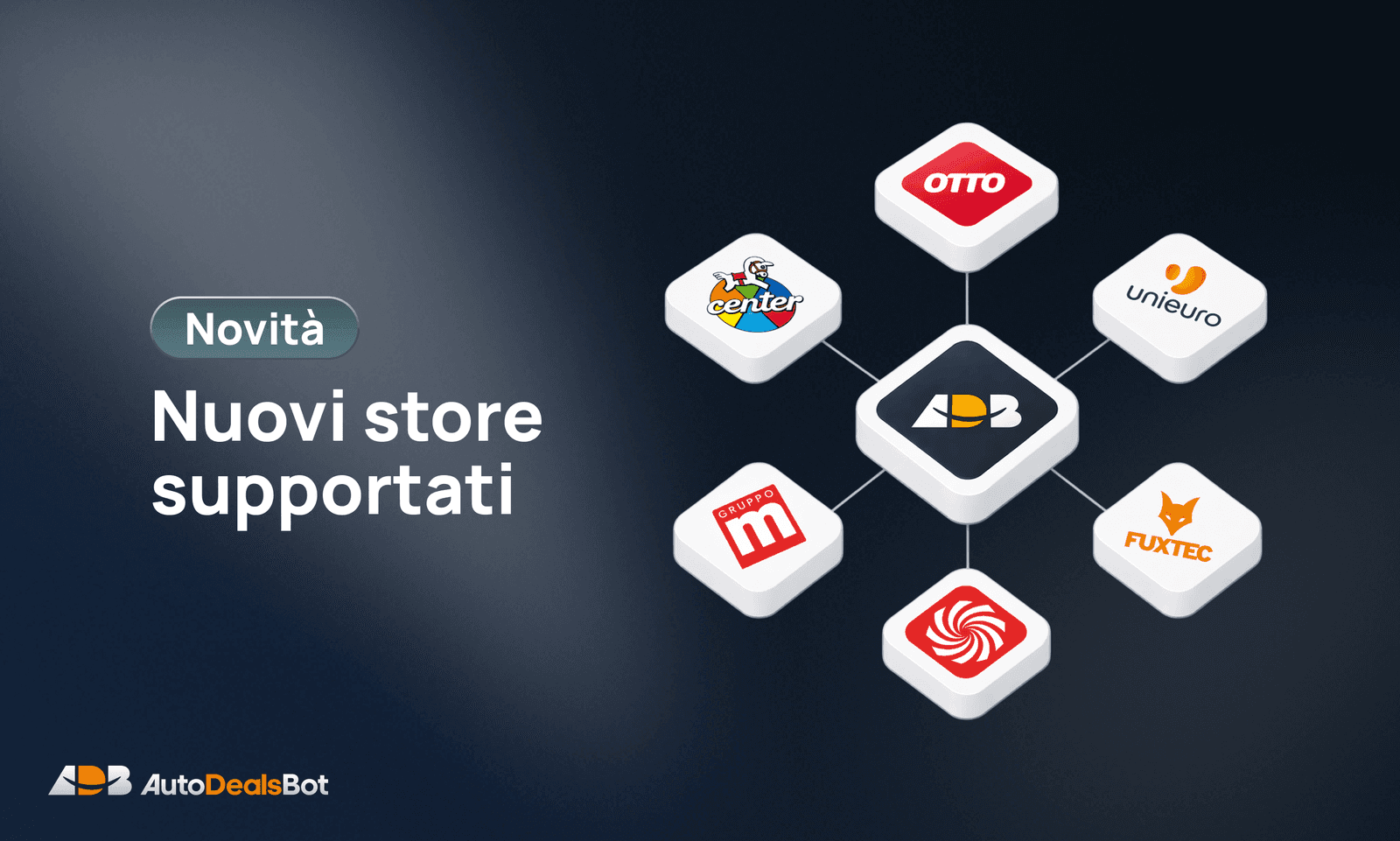
The Bot no longer works only with Amazon and AliExpress. From today you can create manual posts from new stores, by pasting the product link the same way you always have.
Supported stores
- Comet 🇮🇹
- Unieuro 🇮🇹
- MediaWorld 🇮🇹 🇩🇪
- Otto 🇩🇪
- Fuxtec 🇮🇹 🇩🇪
- Toys Center 🇮🇹
What you can do
- Manual posts: paste the link from a supported store and the bot fetches title, price and image
- Existing formats: your text formats work with the new stores too, including the
{store}tag - Awin monetization: if configured, the bot automatically generates the affiliate link through Awin
Alpha mode
The feature is released in alpha. If you find a product that doesn't work correctly, send me the link at @AutoDealsAssistant and I'll take a look.
Monetizing with Awin
The new stores are not part of the Amazon Associates or AliExpress programs. To generate affiliate links you need to use the Awin platform.
For every store you want to monetize you need:
- an active Awin account
- approval for the specific store's campaign on Awin
- Publisher ID and API Token configured on the bot
Without Awin configured the bot still creates the post, but the link won't be monetized.
How to configure Awin on the Bot
Go to:
Channel Settings → Affiliate → Awin
Enter:
- Awin Publisher ID — available in the Awin dashboard
- Awin API Token — generated from your Awin account settings
Save the settings and verify by pasting a link from a supported store you already have campaign approval for.
For any questions about configuration you can contact me on Telegram: @AutoDealsAssistant